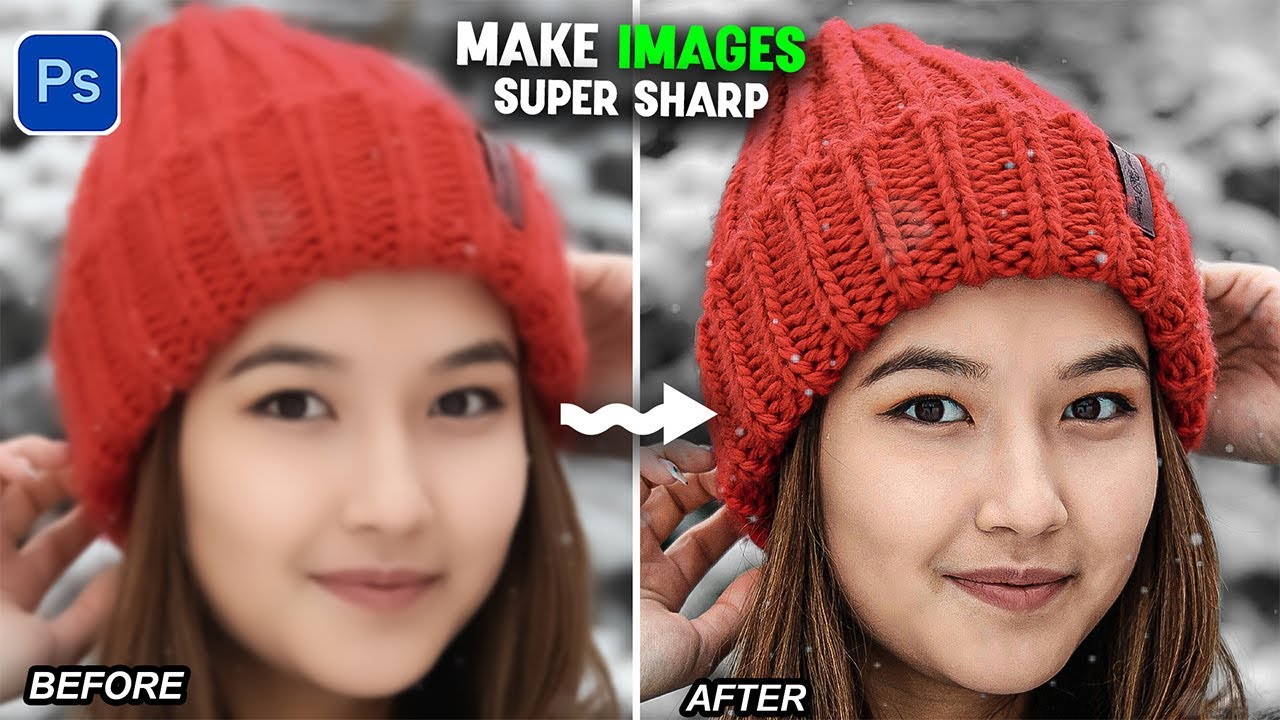
Products You May Like Ads by Amazon Share on Facebook Share on Twitter Share on Pinterest Share on LinkedIn In this tutorial, I will show you a simple 2-layer trick that can instantly enhance the details of any soft or low-quality image. Share on Facebook Share on Twitter Share on Pinterest Share on LinkedIn Products You May Like Ads by AmazonArticles You May Like Easy Photoshop Tip: Create a Wet Aluminum Can Mockup! #shorts 4 NEW Photoshop Beta Updates: Upgraded Remove Tool is Game Changing! 4-Minute Photoshop Pro Tips | Distressed Text Edges Photoshop Tips 2026 – Remove Complex Background Like a Pro #photoshop Layers: The Ultimate Guide – Photoshop for Beginners | Lesson 4